
Common Fishbowl + QuickBooks Integration Problems
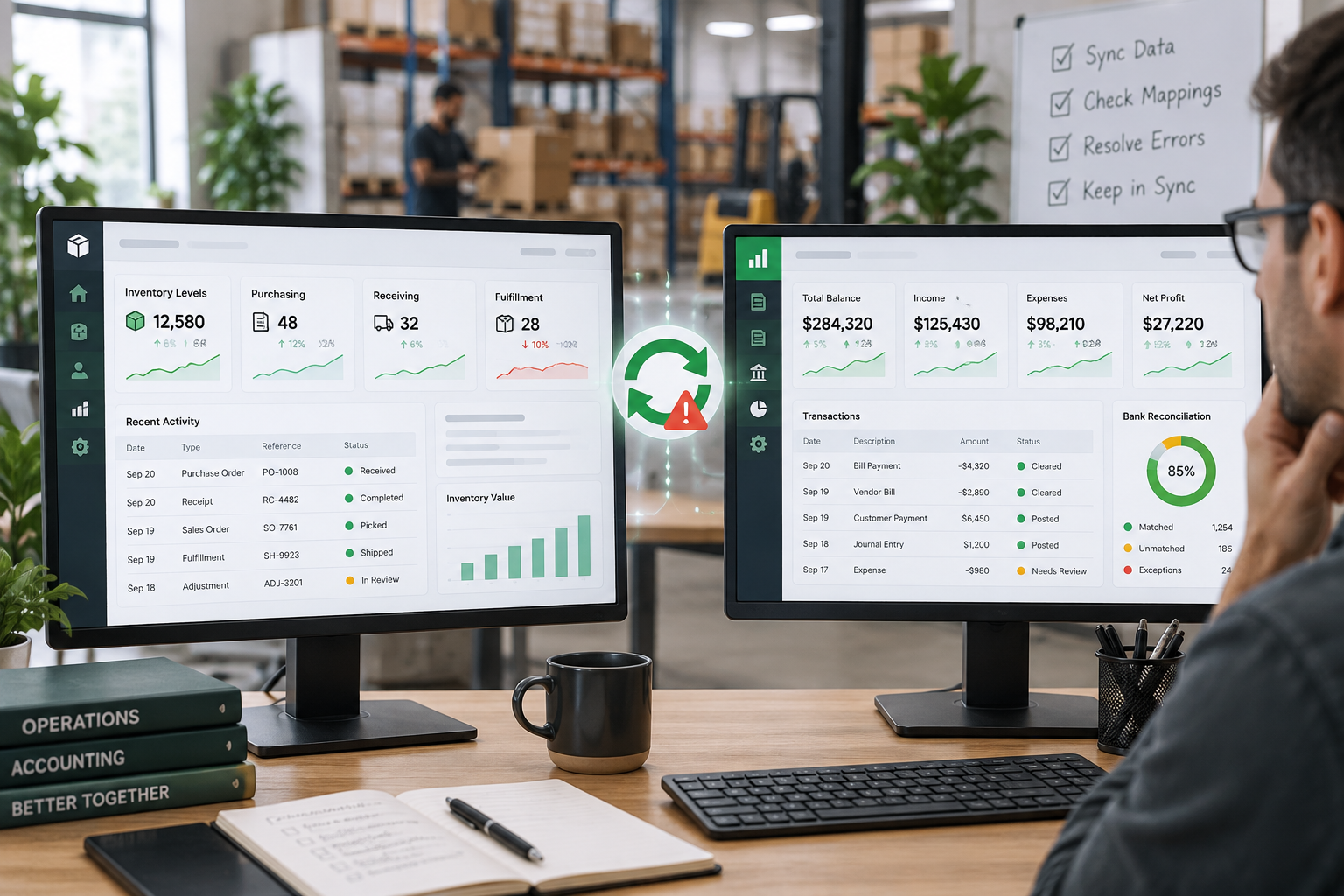
Fishbowl and QuickBooks often handle different parts of the same business process. Fishbowl manages operational activity such as purchasing, receiving, inventory, manufacturing, fulfillment, and adjustments, while QuickBooks records the financial result.
When everything is configured and processed as expected, the two systems can work together smoothly. But when something changes in the workflow, mapping, timing, or transaction data, the results may no longer line up.
The challenge is figuring out where the difference begins.
Inventory and COGS Don’t Match Expectations
One of the most common concerns is that inventory asset or cost-of-goods-sold balances in QuickBooks don’t seem to match what users expect based on activity in Fishbowl.
The cause may not be a single incorrect setting. Inventory costs can be affected by purchasing, receiving, fulfillment, manufacturing, adjustments, costing methods, and the timing of transactions.
Before changing accounting entries manually, it is usually better to identify which Fishbowl transactions produced the financial result and determine whether those transactions were processed as intended.
Purchasing and Receiving Don’t Line Up
Purchase orders, receipts, bills, and inventory activity do not always occur at the same time.
For example, goods may be received into inventory before the related vendor bill is entered or exported. That can create temporary differences that are perfectly reasonable—or reveal a process problem if transactions are being handled inconsistently.
Troubleshooting usually means tracing the purchasing workflow from the original purchase order through receiving and into QuickBooks.
Transactions Fail or Won’t Export
Sometimes the problem is more obvious: a transaction simply does not make it into QuickBooks.
Possible causes can include missing mappings, account problems, closed accounting periods, incomplete records, unexpected statuses, configuration issues, or data that QuickBooks will not accept.
The most useful starting point is usually the specific failed transaction rather than changing broad integration settings immediately.
Account Mappings Produce Unexpected Results
Fishbowl relies on account mappings to determine where different types of activity should be posted in QuickBooks.
Inventory assets, COGS, income, purchasing, adjustments, and other transactions may each affect different accounts.
If those mappings no longer reflect the company’s accounting structure—or if new products, accounts, or workflows were introduced—the transactions may technically export successfully while still appearing in the wrong place financially.
Both Systems Show Different Numbers
A difference does not always mean one system is wrong.
Fishbowl and QuickBooks may measure different stages of the same transaction. Fishbowl is often focused on operational events, while QuickBooks is focused on the accounting entries created from those events.
That makes timing important.
When numbers differ, the better question is often:
What is each system measuring, and at what point in the transaction lifecycle?
That distinction can explain many apparent discrepancies.
The Business Process Changed but the Integration Didn’t
Integrations are often configured around the way a company operates at a particular point in time.
Later, the company may add:
new locations or products
new accounts or classes
different purchasing procedures
manufacturing workflows
new fulfillment processes
different financial reporting requirements
If the integration configuration never changes, an old setup may no longer match the current business process.
This is why integration troubleshooting should include both the software configuration and the real-world workflow behind it.
Repeated Manual Corrections Are a Warning Sign
Occasional cleanup happens in almost every accounting system.
But if someone is repeatedly making the same journal entry, reclassification, spreadsheet reconciliation, or manual correction every month, there may be an underlying workflow or integration issue worth investigating.
Fixing the cause can be much more effective than continuing to repair the same difference afterward.
A Practical Way to Troubleshoot the Integration
A useful investigation usually follows the transaction itself.
Start with the business event—such as a sale, receipt, inventory adjustment, work order, or purchase—and determine what should have happened in both systems.
Then trace the relevant Fishbowl records, identify what was exported, review the mappings and configuration that affected the transaction, and compare the expected accounting result with what actually reached QuickBooks.
The objective is not simply to make the two numbers equal. It is to understand why they became different.
When Integration Problems Need a Closer Look
If the same discrepancy keeps returning, transactions regularly fail to export, or inventory and accounting results cannot be explained from the normal workflow, the problem may require a deeper review of both Fishbowl and QuickBooks.
A good integration review considers the operational process, Fishbowl configuration, transaction data, account mappings, and resulting accounting entries together.
Need Help With Fishbowl + QuickBooks?
If Fishbowl and QuickBooks aren’t lining up the way you expect, Financial Fitness can help trace the transaction flow, identify where the difference begins, and develop a practical solution.