
QuickBooks Management Reports: What to Review Weekly vs. Monthly
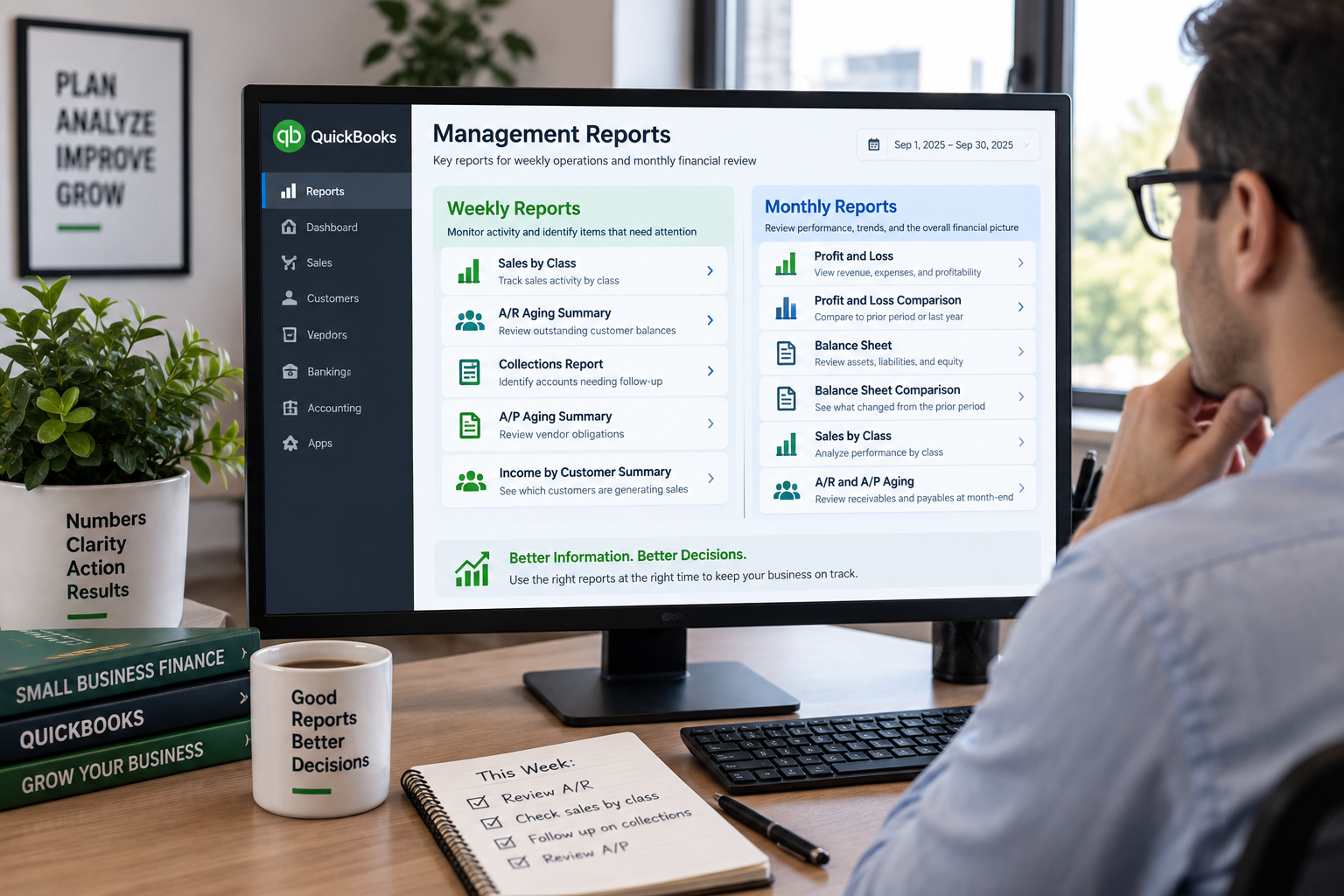
QuickBooks contains a large number of reports, but a useful management reporting package is not about sending every available report to management.
The better approach is to decide what the business needs to know each week and what deserves a deeper review each month.
Weekly reporting generally focuses on activity that may require near-term action. Monthly reporting is better suited to financial performance, comparisons, trends, and a more complete review of the business.
What Should a Weekly Management Package Accomplish?
A weekly package should be concise.
The goal is to help management see what changed recently and identify items that may need attention before the end of the month.
That usually means focusing on areas such as:
sales activity
customer receivables
vendor obligations
collections
cash-related activity
operational performance by class, customer, or another management dimension
The exact reports should reflect how the company actually manages the business.
Useful Weekly QuickBooks Reports
Sales by Class
For companies that use classes to represent divisions, locations, product lines, departments, or other business segments, Sales by Class can provide an important operating view.
It allows management to see where sales activity is occurring rather than looking only at the company-wide total.
This can be especially useful when class performance is something management monitors throughout the month.
A/R Aging Summary
The Accounts Receivable Aging Summary provides a quick view of outstanding customer balances and how long those balances have been open.
Reviewing it weekly can help identify:
overdue invoices
large customer balances
collection priorities
changes in payment behavior
For businesses with significant receivables, this is often more actionable weekly than waiting until month-end.
Collections Report
The Collections Report can complement A/R aging by focusing attention on customers requiring follow-up.
This may be useful for companies where cash flow depends heavily on timely customer payments.
A/P Aging Summary
The Accounts Payable Aging Summary provides a corresponding view of vendor obligations.
A weekly review can help management understand what is coming due and identify unusually large or overdue balances.
Income by Customer Summary
For businesses where customer concentration matters, Income by Customer Summary can provide a useful view of which customers are generating current activity.
Depending on the company, this might be reviewed weekly, monthly, or both.
What Should a Monthly Management Package Accomplish?
Monthly reporting should provide a broader financial picture.
By month-end, management is usually less interested in individual daily transactions and more interested in questions such as:
How did the company perform?
How does this month compare with prior periods?
Which parts of the business are improving or declining?
What changed on the balance sheet?
Are margins or expenses moving unexpectedly?
Are there significant receivable or payable issues?
Do operational results agree with the financial statements?
This is where comparison reports become particularly valuable.
Useful Monthly QuickBooks Reports
Profit and Loss
The Profit and Loss statement is one of the core monthly management reports.
It shows revenue, cost of goods sold, expenses, and profitability for the period.
Whenever possible, the report should be presented in a way that supports comparison rather than showing the current month in isolation.
Profit and Loss Comparison
A comparison version can provide much more context by showing the current period against:
the prior month
the same month last year
year-to-date results
another meaningful comparison period
A number becomes much more useful when management can see how it changed.
Balance Sheet
The Balance Sheet provides the month-end position of assets, liabilities, and equity.
It can help identify changes in areas such as:
cash
accounts receivable
accounts payable
inventory
loans and other liabilities
equity balances
Balance Sheet Comparison
As with the Profit and Loss, a comparison Balance Sheet can make changes easier to identify.
Rather than simply reviewing the ending balances, management can see which accounts moved materially during the period.
Sales by Class
If class reporting is important to how the company evaluates performance, Sales by Class can belong in both the weekly and monthly package.
The weekly version supports operating visibility.
The monthly version provides a completed-period view that can be compared with other financial and management reports.
A/R and A/P Aging
Receivables and payables remain relevant at month-end even if they are already reviewed weekly.
In the monthly package, they provide supporting detail for the corresponding Balance Sheet accounts and help management understand working-capital conditions.
Weekly vs. Monthly Does Not Mean Different Reports Every Time
Some reports legitimately belong in both packages.
The difference is often how management uses them.
For example:
Weekly A/R Aging
“What needs collection attention right now?”Monthly A/R Aging
“What does our receivable position look like at month-end, and how has it changed?”Likewise:
Weekly Sales by Class
“Which areas are generating sales this week?”Monthly Sales by Class
“How did each part of the business perform for the completed month?”The same report can answer different questions depending on timing and context.
A Simple Example of a Weekly Package
A practical weekly management package might include:
Sales by Class
A/R Aging Summary
Collections Report
A/P Aging Summary
Income by Customer Summary
That is usually enough to provide useful operating visibility without overwhelming management with pages of financial detail.
A Simple Example of a Monthly Package
A monthly package might include:
Profit and Loss
Profit and Loss Comparison
Balance Sheet
Balance Sheet Comparison
Sales by Class
A/R Aging Summary
A/P Aging Summary
Income by Customer Summary
Additional reports can be added where management has a specific need, but each report should earn its place in the package.
Avoid Building a Report Package Around What QuickBooks Offers
One common mistake is selecting reports simply because they exist in QuickBooks.
A better starting point is to ask:
What does management need to know every week?
What decisions do these reports support?
What should be reviewed only after the month closes?
Which comparisons matter?
Which dimensions—such as class, customer, location, or department—actually reflect how the business is managed?
Which reports repeatedly get exported and reformatted before anyone can use them?
Those answers should determine the reporting package.
Keep the Package Consistent
Management reporting becomes more useful when the format is consistent from one period to the next.
If the same core reports, date ranges, comparison periods, and classifications are used consistently, changes become easier to identify.
That consistency can also reduce the time spent rebuilding reports every week or month.
Need Better Management Reporting From QuickBooks?
If your current QuickBooks reports contain the right data but do not provide management with the right view, Financial Fitness can help build a practical weekly or monthly reporting package around how your business actually operates.